⚡ Quick Access — StreamQ Player
APK URL: app.streamq.tv
If you don't have experience, follow the step-by-step guide below 👇
Today
👋
Hey! I'll help you install the streamq.tv App auf donem Android TV .
To download the app, you'll need an app called "Downloader" from the Google Play Store. 📲
Takes about 3 minutes — let's go! 🚀
Takes about 3 minutes — let's go! 🚀
Are you ready? 🎯
👆 Tap to continue
What do I need to do?
1 Install Downloader
Open the Google Play Store auf donem Android TV.
Search for „Downloader" and install the app by AFTVnews.
Search for „Downloader" and install the app by AFTVnews.
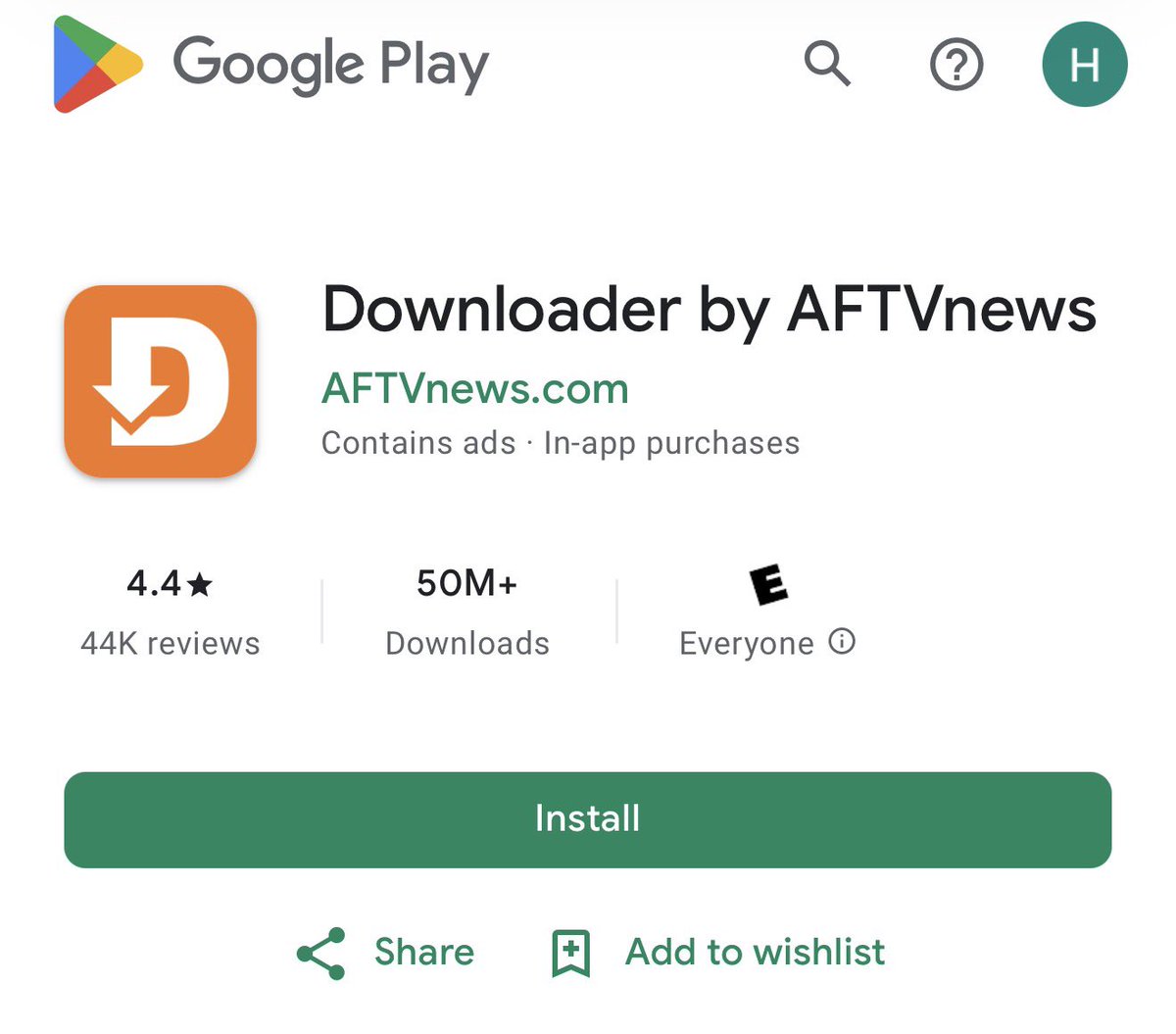
Have you Downloader installed? 🔍
👆 Tap to continue
Yes, Downloader installed ✅
2 Open Downloader & Download App
Now open the Downloader app. You see a search field at the top. 📂
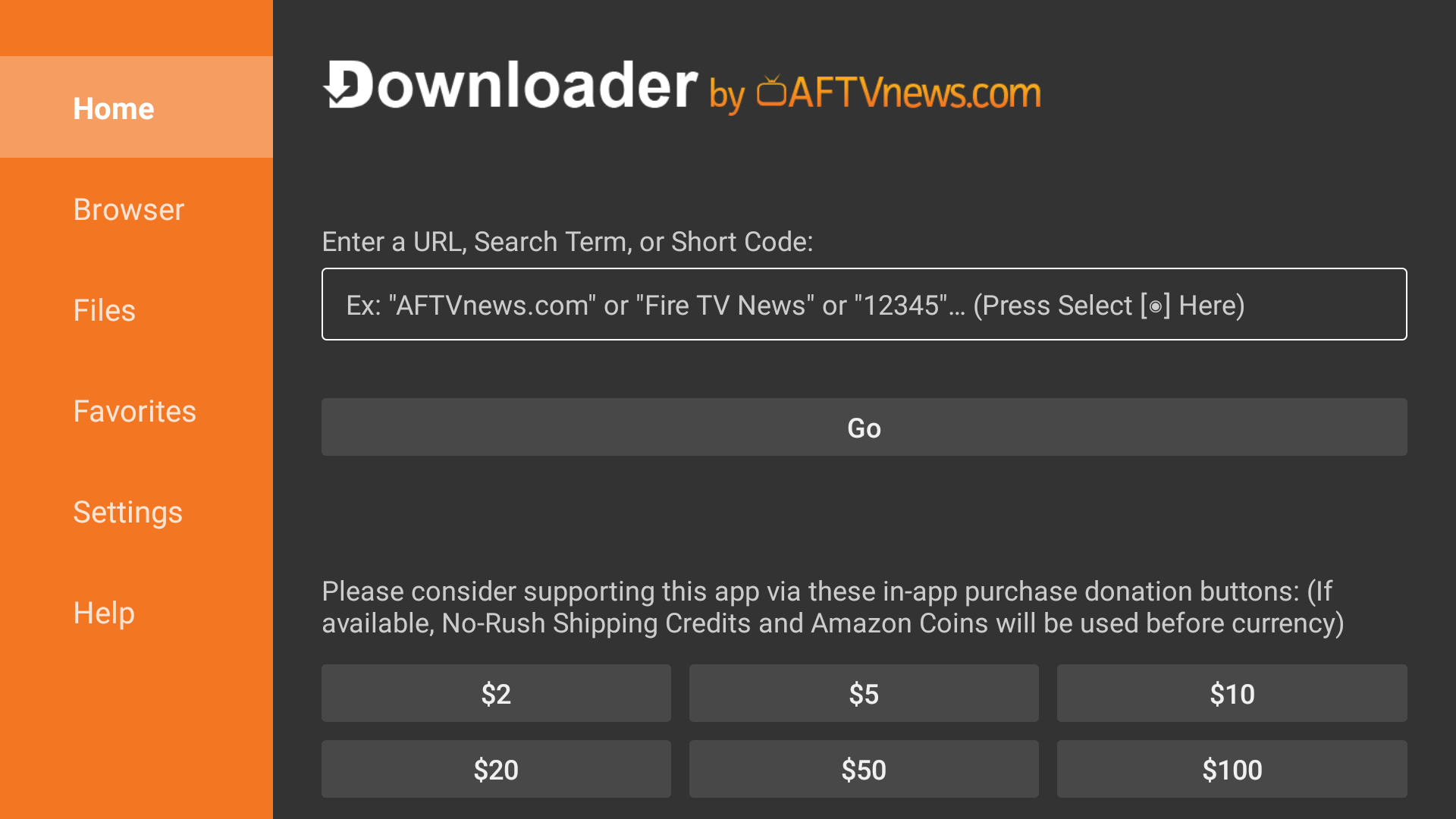
Enter our URL or den Code enter:
app.streamq.tv
Copy
— or Downloader Code —
3996123
Copy
Press auf "Go" — the app will download. Then click "Install" .
Did the installation work? 📦
If you get an error about "Unknown Sources" — no worries! Click continue and I'll show you how to fix it.
If you get an error about "Unknown Sources" — no worries! Click continue and I'll show you how to fix it.
👆 Tap to continue
👆 Tap to continue
Got an error ⚠️
3 Allow Unknown Sources
No worries! 😊 Since our app is not from the Play Store, you need to "Unknown Sources" allow.
Go to: Settings → Security (or Security & Restrictions).
Go to: Settings → Security (or Security & Restrictions).
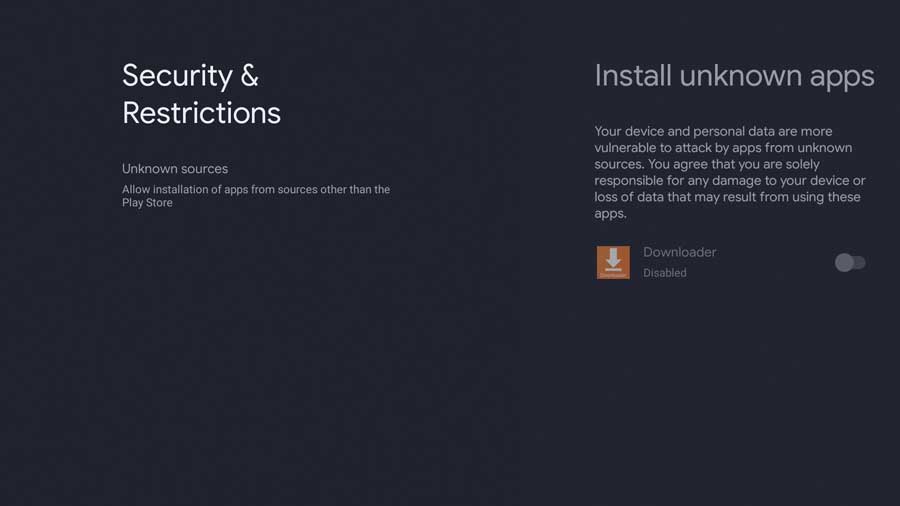
Click „Install Unknown Apps" and set the Downloader app to ON.
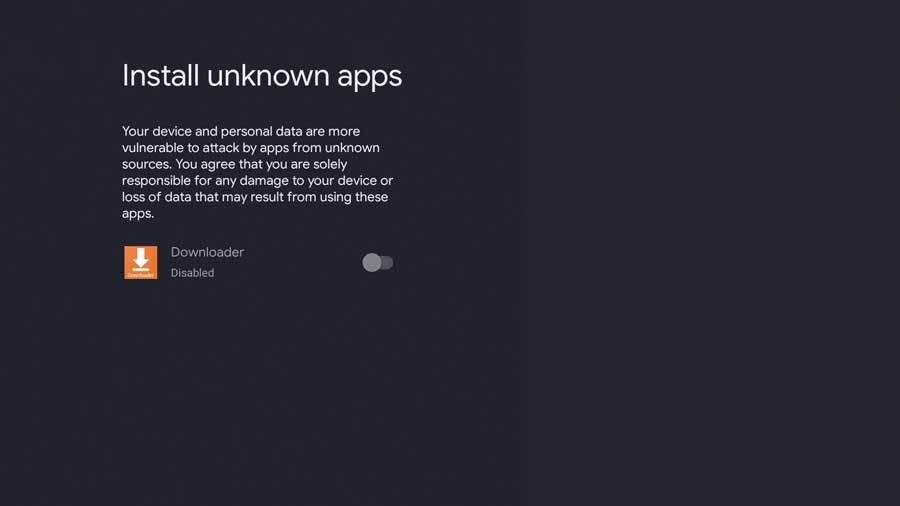
Option ausgegraut? Auf manchen Google TV Deviceen: Go to About → Android TV OS Build and press 7x OK to enable Developer Options.
Great! Now go back to the Downloader App and try the installation again. 🔄
Enter again app.streamq.tv or Code 3996123 → Go → Install.
Enter again app.streamq.tv or Code 3996123 → Go → Install.
Did it work now? 🤞
👆 Tap to continue
App installed & opened! 🎉
🎉 Sign In & Start Streaming
Open the streamq.tv App. On the login screen, enter:
👤 Usernamename
🔑 Password
🌐 Select Server (if asked)
Then press Log In! 🚀
👤 Usernamename
🔑 Password
🌐 Select Server (if asked)
Then press Log In! 🚀
You can find your Username, Password & Server after Sign In
Tip: Use your phone as a keyboard — download the Android TV Remote App !
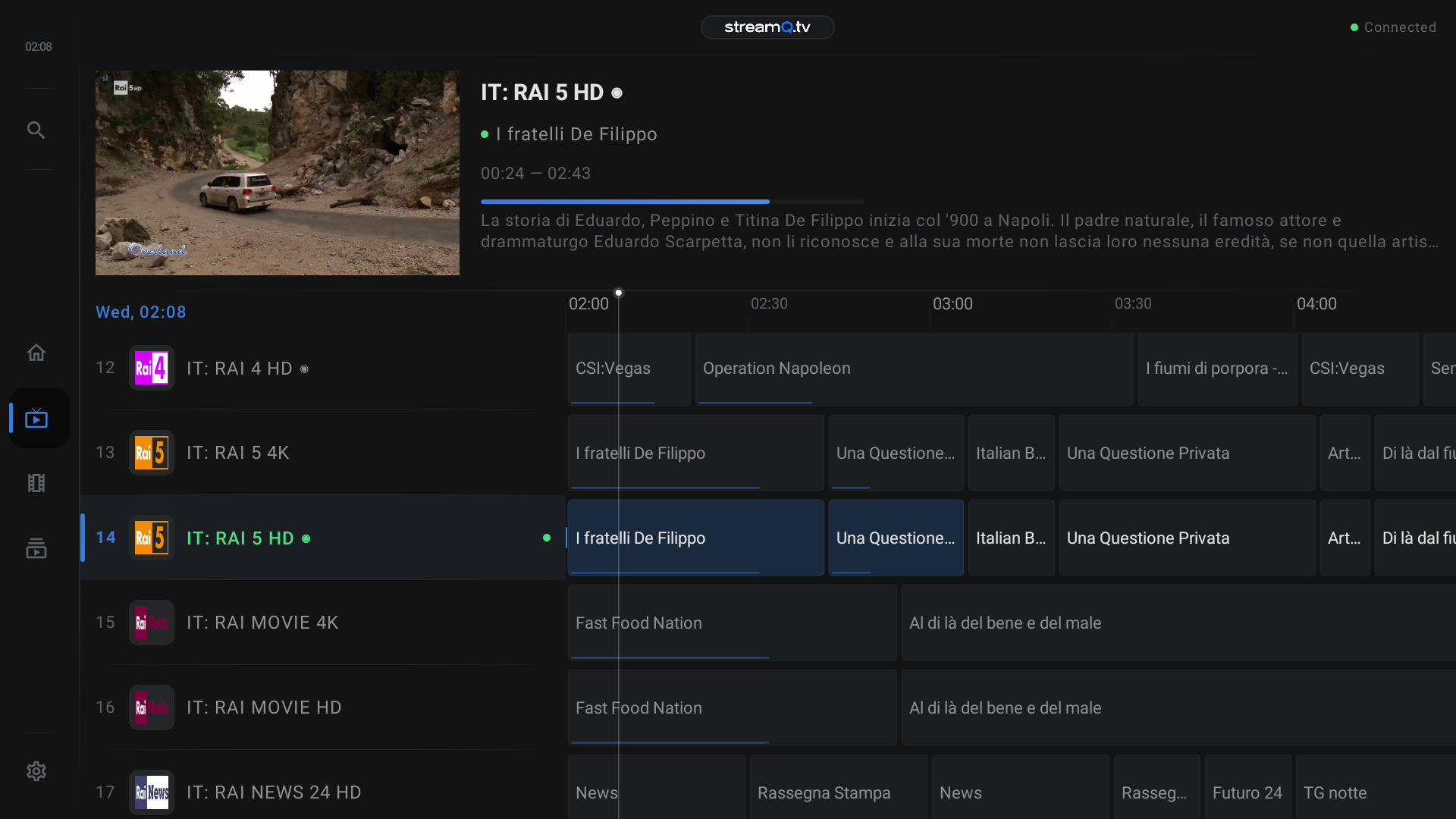
⏳ On first launch, loading may take 2–4 minutes — please be patient! Then the player opens and you can start watching! 📺
✅ Done! Enjoy watching! 🍿
Need help? Contact us directly 💬